Why Editable Closed Book Cover Mockups Matter
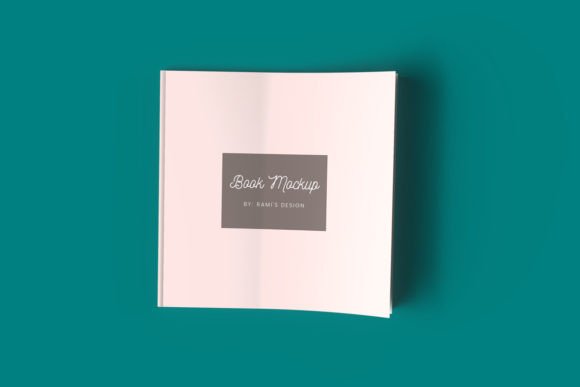
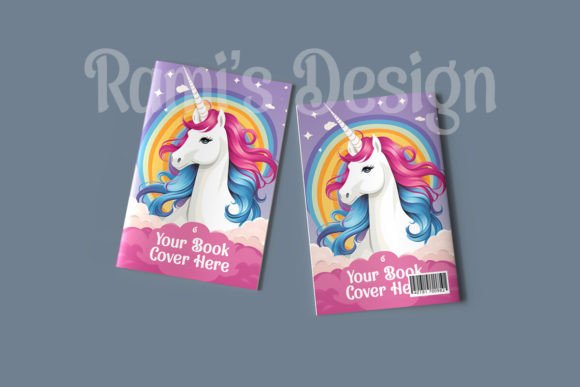
When you’re preparing to present a book project—whether it’s a novel, a marketing report, a course workbook, or a portfolio—the way you display that work can shape how people perceive it before they read a single page. An Editable Closed Book Cover Mockup gives you that polished, professional look without requiring a photo studio or expensive design software. It’s a flexible tool that lets you swap in your own cover art, adjust colors, and tweak details so the final presentation feels custom-made for your project. And because it’s editable, you’re not locked into a generic template; you can adapt it to fit your brand, your audience, and the tone of the content inside.
I’ve used these mockups for client presentations, social media teasers, and even printed proofs, and the one thing that consistently stands out is how much time they save. Instead of reshooting a physical book every time the cover design changes—which happens more often than most people expect—you simply update the file and export. That efficiency alone makes an editable closed book cover mockup a practical asset for anyone who regularly publishes or promotes written work.
What Makes a Closed Book Mockup Editable?
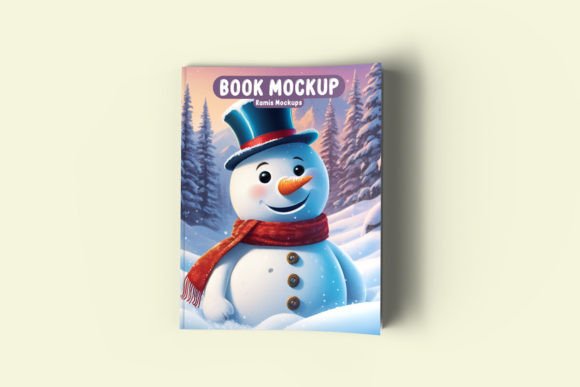
The term “editable” means different things depending on the format. Most high-quality mockups come as layered Photoshop files (PSD) or as templates for tools like Canva, Figma, or Affinity. The key characteristic is that you can replace the placeholder cover image, adjust lighting or shadow effects, and sometimes even change the book’s thickness, color, or texture. A well-designed editable closed book cover mockup includes smart object layers, which let you double-click, drop in your design, and see it automatically mapped onto the 3D surface of the book.
Strengths worth noting:
- Realistic depth and shadowing – Because the mockup is rendered from a photo or 3D model, the lighting feels natural.
- Customizable backgrounds – Many mockups let you change the surface color or even remove the background entirely.
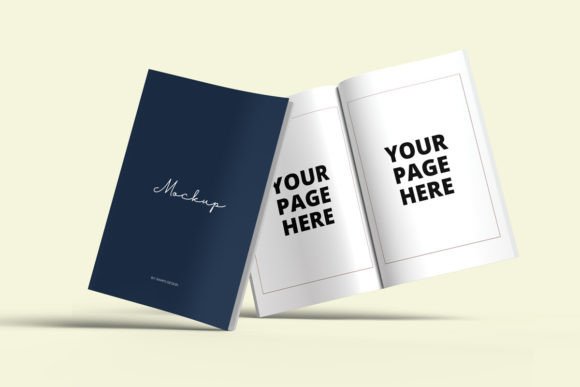
- Multiple angles – Some packs include front-facing, slightly tilted, and flat-lay views, giving you variety for different platforms.
- Print-ready export options – You can often export at 300 DPI for physical proofs or at 72 DPI for web use.
These qualities matter because they directly affect how your audience perceives your work. A mockup that looks generic or poorly lit can undermine the credibility of the book itself. On the other hand, a realistic editable closed book cover mockup can make a self-published title look like it came from a major house.
Practical Applications Across Industries
The versatility of an editable closed book cover mockup means it shows up in more places than you might expect. It’s not just for novelists or textbook authors.
For Authors and Independent Publishers
Self-publishing has grown enormously, and with that growth comes the need for professional marketing materials. When you’re pitching your book to potential readers on Amazon, social media, or your own website, a static cover image is fine—but a mockup showing the physical book in a natural setting can increase click-through rates. I’ve seen authors use editable closed book cover mockups to create banners, teaser posts, and even print-on-demand previews. The ability to update the cover without reshooting is especially valuable when you’re running A/B tests on different cover designs.
For Marketers and Content Creators
Marketers often produce ebooks, white papers, and lead magnets. An editable closed book cover mockup helps these digital assets feel tangible. When you’re promoting a free download, showing a physical-looking book in the hero image can convey value. I’ve worked with marketing teams who use mockups to create consistent visual assets across email campaigns, landing pages, and social ads. The editable nature means they can adjust the cover text or color to match seasonal campaigns or specific audience segments.
For Educators and Course Creators
If you develop curriculum, workbooks, or training materials, presenting them as physical objects can increase perceived legitimacy. An editable closed book cover mockup is useful for showcasing course binders, student guides, or supplemental readers. Educators I’ve collaborated with use mockups in grant proposals, parent communications, and promotional materials for summer programs. The ability to quickly swap in updated covers for new editions is a practical bonus.
Key Benefits of Using an Editable Mockup
The advantages go beyond just looking good. Here are the ones I’ve found most impactful in real projects.
Save Time Without Sacrificing Quality
Setting up a professional book photo shoot takes hours—or costs hundreds of dollars. An editable closed book cover mockup reduces that to minutes. Once you’ve placed your design in the smart object layer, you can export multiple versions with different backgrounds, angles, or lighting setups. For busy professionals, that kind of efficiency is hard to beat.
Maintain Brand Consistency
When you use the same mockup template across different projects, you create a visual consistency that strengthens your brand. Whether you’re launching a new product line or updating an old title, the same perspective, lighting, and composition signals professionalism. An editable closed book cover mockup lets you keep that consistency while still customizing each cover individually.
Improve User Engagement
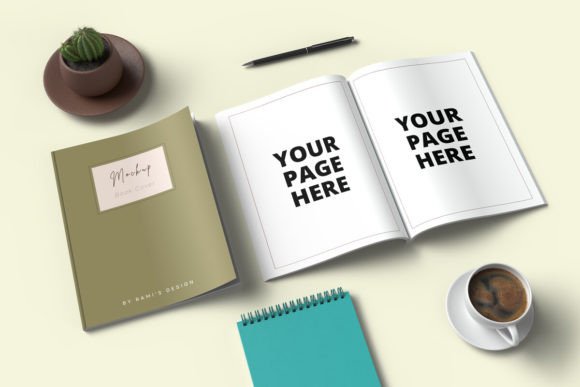
Visuals that feel real tend to hold attention longer. In social feeds, a mockup that looks like a photo rather than a flat graphic often gets more interaction. I’ve noticed that posts featuring an editable closed book cover mockup tend to generate more saves and shares, especially when the book is shown in a lifestyle context—like on a desk with a coffee mug or next to a plant. These small context cues make the content feel relatable.
What to Look For in a Quality Mockup
Not all editable closed book cover mockups are created equal. Over time, I’ve learned a few criteria that separate the useful ones from the frustrating ones.
- High resolution – At least 3000 px on the longest side ensures your mockup looks crisp on retina displays and in print.
- Well-organized layers – If you open a PSD and find dozens of unnamed layers, walk away. Good mockups label everything clearly.
- Realistic lighting – Harsh or flat lighting can ruin the illusion. Look for mockups with soft, natural shadows.
- Multiple views – One angle is fine for a quick post, but having three to five angles gives you more flexibility.
- Easy-to-find smart objects – The whole point is quick editing. If the smart object is buried in nested folders, it defeats the purpose.
- File format compatibility – Make sure the mockup works in your preferred software. PSD is standard, but more designers are offering Figma and Canva versions.
I also recommend checking the license terms. Some editable closed book cover mockups are free for personal use but require attribution or a paid license for commercial projects. Read the fine print before you publish.
Real-World Examples and Observations
To ground this in something concrete, I’ll share a scenario from a freelance project. A client wanted to launch a series of short business guides, each about 100 pages. Rather than printing physical copies for a launch event, they used an editable closed book cover mockup to create realistic preview images for their email list. They tested three different cover color schemes by simply swapping the smart object content. The click-through rate on the email with the mockup was about 22% higher than the one with a flat cover image. That’s not a scientific study, but it’s a real outcome that happened because the mockup made the product feel more tangible.
Another observation: many professionals overlook the importance of the book’s spine. In a closed book mockup, the spine is visible, and if it’s too thin or poorly aligned, it can look amateurish. Good editable closed book cover mockups let you adjust the spine width and even add text or logos there. That level of control matters when you’re presenting a series or a branded collection.
Practical Considerations When Choosing a Mockup
Before you download your next editable closed book cover mockup, think about how you’ll actually use it. If your work is primarily digital, you can get away with lower resolution and simpler shadows. But if you’re printing proofs or marketing materials at scale, invest in a premium mockup with higher fidelity.
Consider also the context of your audience. A sleek, minimalist mockup works well for business books and tech guides. A warmer, textured mockup suits fiction, memoir, or lifestyle content. The tone of the mockup should match the tone of the book itself. I’ve made the mistake of using a cold, clinical mockup for a cozy mystery novel, and it completely miscommunicated the vibe. The editable closed book cover mockup is a tool for communication, not decoration.
Finally, don’t underestimate the value of having a go-to template in your toolkit. Once you find an editable closed book cover mockup that fits your typical projects, stick with it. Learn its quirks, know where every layer lives, and you’ll be able to produce polished visuals in minutes rather than hours. That consistency and speed will serve you well whether you’re publishing one book a year or one a month.
At the end of the day, a mockup is a representation—but it’s often the first impression. Making that impression look intentional, professional, and authentic is worth the small investment of time it takes to choose and master the right editable closed book cover mockup for your work.